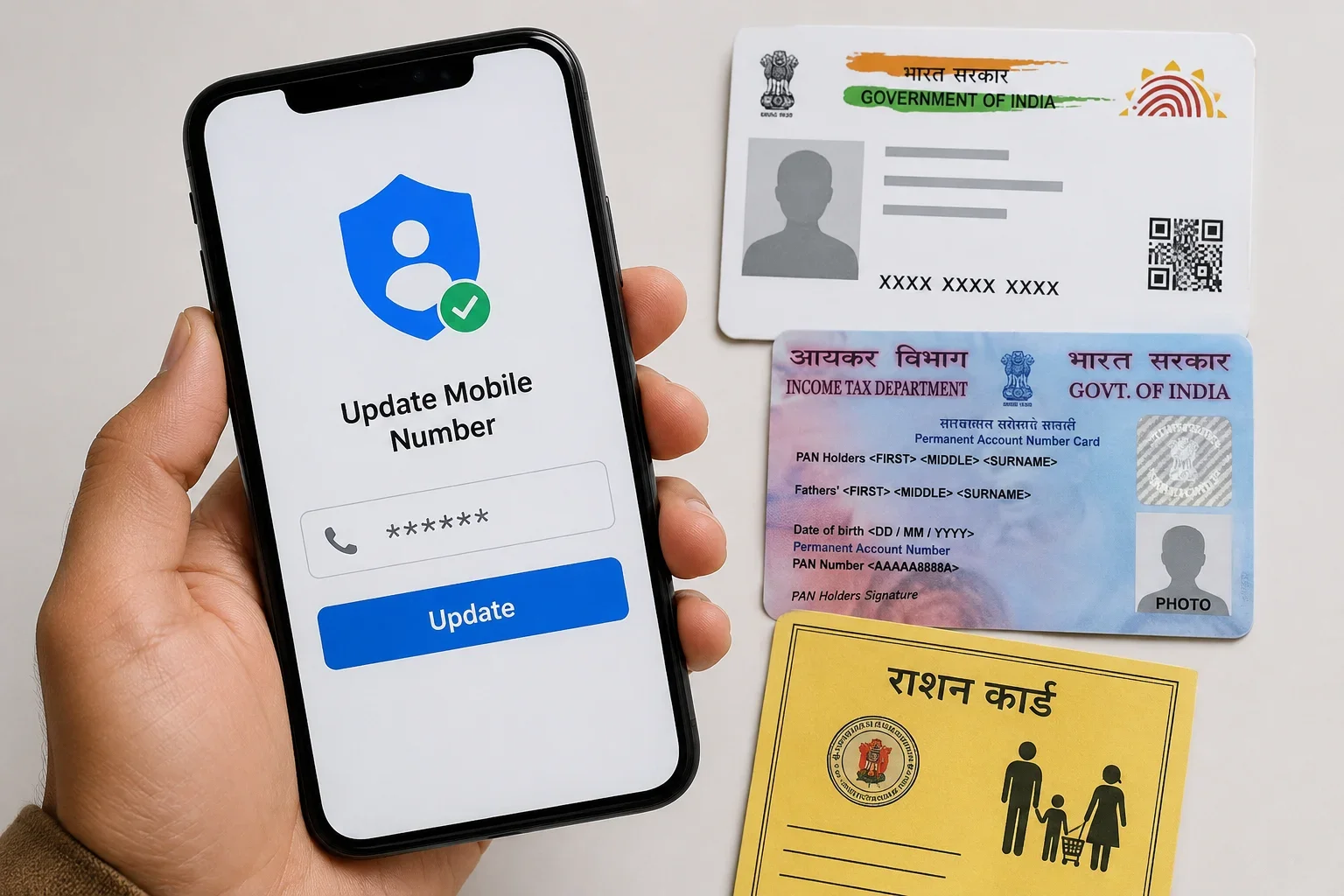
Keeping your active mobile number linked with key government identification documents is essential in today's digital governance ecosystem. An outdated phone number can disrupt one-time password (OTP) verification, blocking access to essential services such as filing income tax returns, authenticating financial transactions, downloading official e-documents, and claiming public distribution entitlements.
Because each document is governed by a distinct authority—the Unique Identification Authority of India (UIDAI) for Aadhaar, the Income Tax Department for PAN, and respective State/UT Food & Civil Supplies Departments for ration cards—the authentication workflows, document requirements, and update channels differ.
How to Change Mobile Number in Aadhaar
The Unique Identification Authority of India (UIDAI) manages the Aadhaar ecosystem. For security and fraud prevention, mobile number updates cannot be completed through a standard unauthenticated web portal; they require in-person biometric authentication at an authorized center.
1. Locate an Aadhaar Enrolment/Update Centre
- Visit the official UIDAI portal (uidai.gov.in) or the Bhuvan Aadhaar portal (bhuvan.nrsc.gov.in/aadhaar).
- Use the "Locate an Enrolment Centre" tool to find your nearest Aadhaar Seva Kendra (ASK) or authorized bank/post office facility.
- To avoid waiting in queues, book an appointment in advance via appointments.uidai.gov.in.
2. Visit the Centre and Complete the Process
- Visit the center on your scheduled date.
- Fill out the Aadhaar Correction/Update Form (available at the counter or downloadable online) and enter your new 10-digit mobile number.
- Document Requirement: No physical identity or address documents are required specifically for a mobile number update.
- Biometric Verification: The operator will capture your biometric authentication (fingerprint or iris scan) to verify your identity.
- Fee: Pay the prescribed UIDAI demographic update fee at the cash counter.
- Acknowledgement: Collect the physical acknowledgement slip containing your 14-digit Update Request Number (URN).
3. Track Status & Processing Time
- Check the status of your update by visiting the myAadhaar portal (myaadhaar.uidai.gov.in) under "Check Enrolment & Update Status" using your URN.
- Processing Time: Most mobile updates reflect within 2 to 7 working days, though some requests may take up to 30 days depending on backend verification queues.
- Once updated, you will receive an SMS confirmation on your new mobile number.
How to Change Mobile Number in PAN
Updating your contact number for your Permanent Account Number (PAN) profile is managed via the Income Tax Department’s e-Filing portal.
Updating your primary contact details on the e-Filing portal changes where you receive income tax communications, notices, and ITR filing OTPs. (Note: To alter legal records on the physical PAN card database with NSDL/Protean or UTIITSL, a formal PAN correction form is required).
Step-by-Step e-Filing Profile Update:
- Log in: Go to the official e-Filing portal (incometax.gov.in/iec/foportal) and sign in using your PAN/User ID and password.
- Access Profile: Click on your name in the top right corner of the dashboard and select "My Profile".
- Edit Contact Details: Navigate to the "Contact Details" section and click the "Edit" button.
- Enter New Number: Enter your new mobile number under the Primary Mobile Number field (you can also designate whether the number belongs to self, spouse, or child).
- Verify with OTP: Click "Save" or "Proceed to E-Verify". Separate 6-digit OTPs will be sent to your new mobile number and registered email address.
- Submit: Enter the received OTPs and click "Submit". Your profile contact information will update instantly upon successful verification.
How to Change Mobile Number in Ration Card
Ration card administration under the Public Distribution System (PDS) is decentralized and managed by respective State and Union Territory Governments. Consequently, exact online navigation differs from state to state.
Standard Procedure via State Food Portals:
- Access State PDS Portal: Visit the National Food Security Act (NFSA) portal (nfsa.gov.in) and navigate to "Ration Card Details on State Portals" to select your respective State/UT Food & Civil Supplies website.
- Locate Citizen Services: Look for tabs such as "Citizen Corner," "Ration Card Services," or "Register / Update Mobile Number."
- Provide Identification Details: Enter the Ration Card Number, the name of the Head of the Family (HoF), and corresponding Aadhaar details to retrieve the beneficiary record.
- Enter New Mobile Number: Input your new 10-digit mobile number.
- Complete Verification: Authenticate using Aadhaar-based OTP or enter the verification code sent to the new mobile number.
- Submit Request: Submit the form and note the generated application reference number for tracking.
- Offline Alternative: In states without an active online modification feature, submit a physical application form along with a copy of your ration card at the local Fair Price Shop (FPS), Common Service Centre (CSC), or Block Supply Office.
Documents and Details You May Need
Before beginning the process across different platforms, have the following details ready:
- Aadhaar Details: 12-digit identification number or physical card copy.
- PAN Credentials: Valid PAN number and active Income Tax e-Filing portal login credentials.
- Ration Card Record: Digitized Ration Card Number and Head of Family (HoF) member details.
- New SIM Card: Active, working mobile device capable of receiving instantaneous SMS verification codes.
- Biometrics: Physical presence for fingerprint/iris authentication at authorized offline centers.
Can You Update All Three Mobile Numbers Online?
The update method depends entirely on the governing agency:
- Aadhaar: Updates require an in-person visit to an Aadhaar Seva Kendra or Enrolment Centre for mandatory biometric authentication (fingerprint or iris scan).
- PAN Profile: 100% online through the Income Tax e-Filing portal, verified using dual OTPs sent to your new phone and registered email.
- Ration Card: Dependent on the specific State/UT. Many states offer online self-service via Aadhaar OTP or portal verification, while others require submitting an application at a local PDS office or CSC.
What to Do If Your Old Mobile Number Is Lost or Inactive?
Losing your old phone number does not permanently lock you out, but the recovery approach differs:
- For Aadhaar: You do not need access to your old phone number. The update is validated entirely via your physical biometric scans at the center.
- For PAN/e-Filing: If you cannot log in due to OTP prompts tied to a lost number, use alternative login methods such as Net Banking Login to access the Income Tax portal without a mobile OTP, then update your profile.
- For Ration Card: If portal verification requires an OTP sent only to the old number, visit your local Food Supply Officer or Common Service Centre (CSC) to submit a manual KYC update request.
How Long Does the Mobile Number Update Take?
Processing times vary across different departments:
- Aadhaar: Typically takes 2 to 7 working days after biometric capture at an enrollment center (in complex cases, up to 30 days).
- PAN (Income Tax Portal): Updates instantly or within 24 hours once dual OTP verification is submitted.
- Ration Card: Varies by State Government, generally taking 3 to 15 working days following administrative approval.
Important Things to Check After Updating Your Mobile Number
- Verify the Update: Check each respective portal to confirm your new phone number is properly displayed.
- Retain Acknowledgement Slips: Store your URN, transaction IDs, or receipt printouts until the updates are fully processed.
- Run a Test Transaction: Try downloading an e-Aadhaar or logging into DigiLocker to verify that OTPs land on your new handset.
- Maintain Consistency: Link the same verified phone number across your bank accounts, EPFO, and driving license to avoid identity verification issues.
- Security Awareness: Government departments and UIDAI never call or message asking you to disclose OTPs, passwords, or biometrics. Never share sensitive credentials with third-party agents.
Frequently Asked Questions (FAQs)
Q1. Can I change my Aadhaar mobile number online?
No. To register or change your mobile number in Aadhaar, you must visit an authorized Aadhaar Seva Kendra or Enrolment Centre in person for biometric authentication.
Q2. Do I need my old mobile number to update Aadhaar?
No, your old mobile number is not required. Identity verification at the Aadhaar center is completed using your live fingerprints or iris scans.
Q3. How can I update my mobile number in my PAN/e-Filing profile?
Log in to the official Income Tax e-Filing portal, navigate to My Profile > Contact Details > Edit, enter the new mobile number, and authenticate using the OTPs sent to your new phone and email.
Q4. Can I update my ration-card mobile number online?
Yes, many states (such as Delhi, Uttar Pradesh, and Bihar) provide direct mobile modification tools on their respective Food & Civil Supplies portals. In states without online self-service, updates are processed through local FPS shops or supply offices.
Q5. Is the ration-card mobile-number update process the same in every state?
No. Public Distribution System rules and web platforms are managed at the individual State and Union Territory levels, meaning steps and eligibility rules vary regionally.
Q6. How can I check whether my new mobile number has been updated?
For Aadhaar, visit myaadhaar.uidai.gov.in/verify-email-mobile to verify whether your number is linked. For PAN, log into the e-Filing dashboard to view your profile contact status.
Q7. What should I do if I have lost my old registered mobile number?
Start by updating your mobile number in Aadhaar via an authorized enrollment center. Once your Aadhaar is linked to your new number, you can easily verify identity across PAN, banking, and state ration portals using Aadhaar-based OTPs.