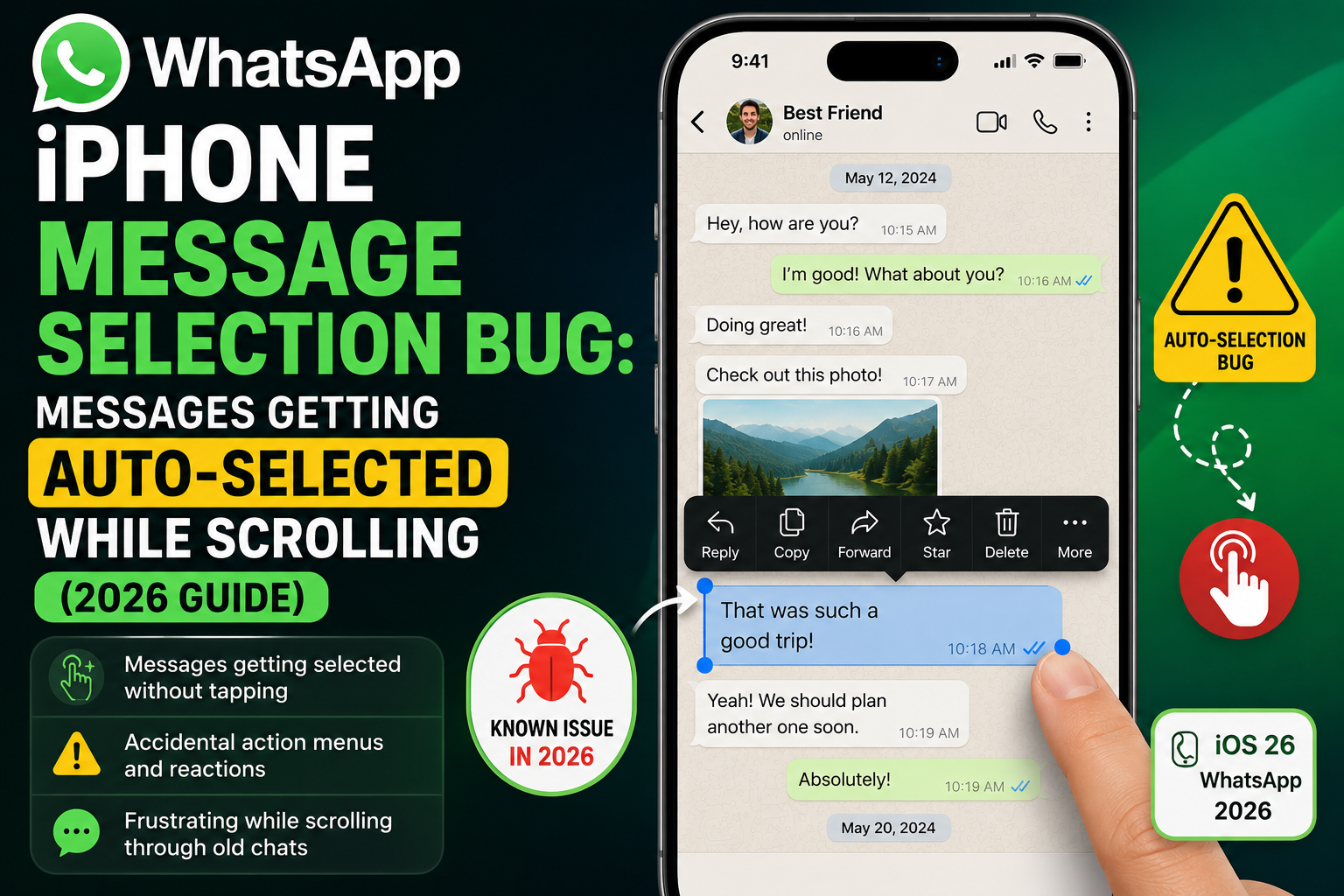
Many iPhone users in 2026 are noticing a strange issue inside WhatsApp: when they select a message in a chat and start scrolling upward, additional messages automatically get selected without any tap or intent.
This unexpected behavior is being widely discussed because it affects basic chat interaction, especially in long conversations and group chats. While it may look alarming, it is generally a UI/gesture-related glitch rather than a serious app failure.
What Exactly Is the WhatsApp iPhone Bug?
The issue occurs in a simple flow:
- User long-presses a message to activate selection mode
- User scrolls up to view older messages
- Suddenly, multiple messages become highlighted automatically
- No manual tapping is done, yet selection expands
This makes it difficult to copy, forward, or delete specific messages accurately.
Why WhatsApp Messages Get Auto-Selected on iPhone
This issue is mainly caused by gesture misinterpretation between iOS and WhatsApp’s selection system.
1. iOS Touch Gesture Conflict
iPhones use advanced gesture detection. When scrolling and selection overlap, the system may confuse swipe movement as a selection drag.
2. WhatsApp Multi-Select Drag Feature
In selection mode, WhatsApp allows “drag-to-select” functionality. Fast scrolling can accidentally trigger this feature.
3. Lag in Long Chats
Large conversations load messages dynamically. During loading, touch input can briefly misalign, causing unintended selections.
4. Recent iOS Updates
After certain iOS changes, app gesture handling may temporarily behave inconsistently until optimized in updates.
Is This a Serious Problem?
No, this is not a hardware issue or phone damage.
In most cases:
- Your iPhone screen is fine
- WhatsApp is not corrupted
- The issue is purely software-level
It is best described as a temporary UI glitch affecting touch interactions.
How to Fix WhatsApp Auto Message Selection Issue
Here are practical fixes you can apply immediately:
1. Avoid Scrolling in Selection Mode
After selecting a message, release your finger before scrolling.
2. Reset Selection
If multiple messages get selected:
- Tap outside chat bubbles
- Or press cancel and reselect messages
3. Update WhatsApp
Always keep WhatsApp updated to the latest version from the App Store.
4. Restart the App
Close WhatsApp completely and reopen it to reset touch interactions.
5. Update iOS
Install the latest iOS update to fix known gesture and UI bugs.
When Does This Bug Happen Most?
Users report the issue mainly in:
- Long group chats
- Chats with heavy media (images/videos)
- Fast scrolling sessions
- Older messages loading while scrolling
- Switching apps and returning quickly
Possible WhatsApp Fix in Future Updates
Issues like this are typically resolved through:
- Minor WhatsApp patch updates
- iOS compatibility improvements
- Gesture handling optimizations
Since it does not break messaging functionality, it is usually fixed quietly in background updates.
Tips to Avoid the Issue
To minimize the bug:
- Don’t hold selection while scrolling
- Select messages only when needed
- Scroll first, then enter selection mode
- Keep app and iOS updated regularly
Conclusion
The WhatsApp iPhone message auto-selection issue is a frustrating but harmless glitch caused by gesture conflicts between iOS and WhatsApp selection mode.
While it can disrupt smooth chat interaction, it is not permanent and can be reduced with simple usage adjustments and updates.