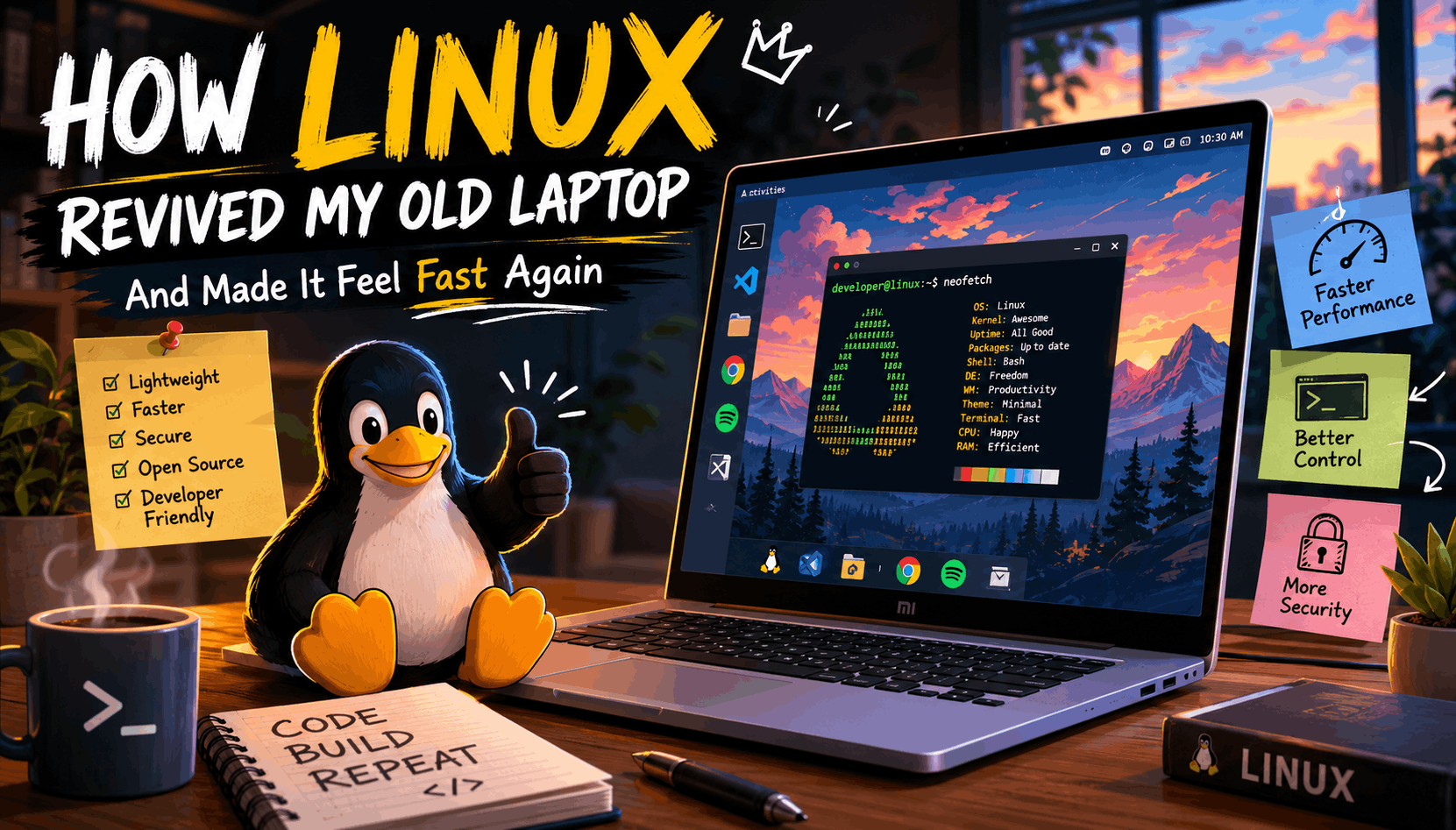
Lately, while working on my laptop, I started noticing something.
It was not completely broken. It was not freezing every five minutes or making me question my life choices in front of VS Code. But it felt slower than before.
Apps were taking a little longer to open. Browser tabs felt heavier. Switching between tools was not as smooth. The difference was not huge, but I could feel it.
When I bought this laptop, it came with Windows 10. Later, it upgraded to Windows 11, and at that time it felt fresh, modern, and cool. But after more updates, more features, and more background processes, I slowly started realizing that my laptop was working harder than it used to.
And honestly, my laptop is not new anymore.
I use a Mi Notebook 14 base variant, so my first thought was simple: maybe I can upgrade the RAM, change the SSD, reset Windows, or do some kind of hardware fix.
But then came the sad part.
Many Mi Notebook models are not very upgrade-friendly. The RAM is usually soldered, hardware replacement options are limited, and it is not like a desktop PC where you can easily open it and add whatever you want.
So for a moment, I felt stuck.
I even started thinking about buying a new laptop on EMI. Maybe a MacBook. Maybe another Windows laptop. Maybe something powerful enough to handle development smoothly.
But then one thought came to my mind.
There is another operating system besides Windows and macOS.
Linux.
And that one thought changed everything.
What Is Linux?
Linux is a free and open-source operating system that can be used instead of Windows or macOS.
In simple words, an operating system is the main software that helps your laptop run everything — apps, files, keyboard, mouse, internet, storage, and hardware. Windows is an operating system. macOS is an operating system. Linux is also an operating system.
But Linux is different because it is open-source, lightweight, customizable, and widely used by developers, servers, cloud platforms, and tech companies.
If you are a developer or someone learning coding, Linux is not just another operating system. It is also a skill.
Most real-world servers run on Linux. Many backend deployments, cloud machines, DevOps tools, and production environments are Linux-based. So when you use Linux as a developer, you are also getting closer to how real systems work behind the scenes.
That was one of the reasons I became more interested in it.
Linux Is Not Just One OS
One thing that confused me at first was this: people do not just say “install Linux.” They say things like Ubuntu, Linux Mint, Fedora, Pop!_OS, Zorin OS, Debian, and more.
That is because Linux comes in different versions called distributions, or distros.
You can think of it like Android phones.
Samsung, OnePlus, Xiaomi, and Google Pixel all run Android, but each one feels different. In the same way, Ubuntu, Linux Mint, Fedora, Pop!_OS, and Zorin OS all use Linux, but each one gives a different experience.
Some Linux distros are made for beginners. Some are made for developers. Some are made for old laptops. Some are made for people who want full control and customization.
So choosing the right Linux distro matters, especially when you are switching from Windows for the first time.
Why I Started Looking Into Linux
The main reason was simple: I did not want to buy a new laptop.
As a developer, my daily work mostly includes using VS Code, browser tabs, Git, Node.js, React, terminal commands, local servers, and sometimes database tools.
I do not need a gaming beast just to write JavaScript and debug why one button is not centering.
I only needed my laptop to feel smooth again.
That is when Linux started making sense.
Linux is known for being lighter than Windows, especially when you choose the right distro. It does not force as many background processes, visual effects, widgets, startup apps, and system services as Windows often does.
On a new laptop, this may not matter much.
But on an older laptop, every bit of RAM and CPU usage matters.
And that is where Linux shines.
Why Linux Feels Faster on Old Laptops
Windows 11 looks good, but it also comes with many modern features that need resources. There are background services, updates, visual effects, startup apps, system notifications, and other things running quietly.
Again, this is not always bad. On powerful hardware, you may not even notice it.
But on an older laptop, the system starts feeling heavy.
Linux, especially lightweight distros, can use fewer resources. That means more of your laptop’s power is available for the things you actually want to do.
After switching to Linux, things can feel better in small but important ways.
Your laptop may boot faster. Apps may open quicker. The desktop may feel cleaner. VS Code may feel smoother. Browser usage may feel more manageable. The system may feel less crowded.
It does not magically turn an old laptop into a high-end machine, but it can make the same hardware feel fresh again.
And sometimes, that is enough.
Is Linux Hard to Use After Windows?
This was one of my biggest questions too.
Before trying Linux, I had this image in my head that Linux is only for hardcore developers who type mysterious commands in a black terminal all day.
But modern Linux is not like that anymore.
Beginner-friendly distros like Linux Mint, Ubuntu, and Zorin OS are easy to use. You get a normal desktop, file manager, browser, settings app, app store, Wi-Fi controls, Bluetooth, themes, and everything else you expect from a modern operating system.
Of course, Linux is different from Windows.
You will need some time to understand how apps are installed, how updates work, how the terminal works, and how the file system is organized.
But it is not impossible.
If you can use Windows properly, you can learn Linux too.
The only difference is that Linux may ask you to learn a little more about your own system. And honestly, for a developer, that is a good thing.
Why Linux Is So Good for Developers
Linux feels natural for development because many programming tools work smoothly on it.
If you are into web development, Linux is a great environment for:
HTML, CSS, JavaScript, React, Node.js, Express, MongoDB, PostgreSQL, Git, Docker, Python, PHP, APIs, backend development, and terminal-based workflows.
The terminal is one of the biggest advantages.
At first, the terminal may look scary. But once you start using commands regularly, it becomes powerful. Installing packages, running projects, managing Git, starting servers, checking processes, and handling files becomes faster.
For example, if you are building a React or Node.js project, Linux feels clean. You can install Node.js, use npm or pnpm, run local servers, manage Git branches, and work with APIs without feeling like the system is fighting you.
Also, since many production servers use Linux, learning it helps you understand real deployment environments better.
So Linux does not just make your laptop faster.
It also makes you a better developer.
Which Linux Distro Should a Beginner Choose?
If you are switching from Windows to Linux, start with a beginner-friendly distro. Do not pick something complicated on day one just to look “pro.” The goal is to make your laptop usable, not turn installation into a boss fight.
Linux Mint
Linux Mint is one of the best choices for beginners coming from Windows.
It feels familiar, simple, and lightweight. The menu, taskbar, file manager, and overall layout are easy to understand. If your laptop is old or not very powerful, Linux Mint XFCE is a great option.
Best for: Windows users, beginners, old laptops, daily use, basic development.
Ubuntu
Ubuntu is popular, stable, and has a huge community.
The biggest advantage of Ubuntu is support. If you face an error, there is a high chance someone has already solved it online. Many Linux tutorials are also written for Ubuntu, which makes learning easier.
Best for: beginners, developers, students, web development, general use.
Zorin OS
Zorin OS is made for people who want a Windows-like experience.
It looks modern and polished, but still keeps things simple. If you care about design and want Linux to feel less unfamiliar, Zorin OS is a good choice.
Best for: Windows switchers, beginners, users who want a clean modern UI.
Pop!_OS
Pop!_OS is a good option for developers and productivity-focused users.
It is based on Ubuntu, but feels more focused and clean. It works well for coding, multitasking, and keyboard-based workflows.
Best for: developers, students, programmers, productivity users.
Lubuntu or Xubuntu
Lubuntu and Xubuntu are lightweight versions of Ubuntu.
They are made for older or low-spec laptops. If your laptop has limited RAM or feels very slow on Windows, these can help you get better performance.
Best for: very old laptops, low RAM systems, lightweight browsing, basic coding.
For most beginners, Linux Mint is the safest starting point. For web development and better community support, Ubuntu is a strong option. For a modern Windows-like feel, Zorin OS is worth trying. For a very old laptop, Lubuntu or Xubuntu makes more sense. And if you want a more developer-focused setup, Pop!_OS is a good choice.
Can You Try Linux Without Removing Windows?
Yes, and this is one of the best things about Linux.
You do not have to delete Windows immediately.
You can create a bootable USB and try Linux in live mode. This lets you test Linux without installing it on your laptop.
This is important because you can check whether your Wi-Fi, keyboard, touchpad, sound, display, and Bluetooth are working properly.
If everything feels good, then you can decide whether to install it.
You can also dual boot Linux with Windows. That means when your laptop starts, you can choose whether to open Windows or Linux.
This is a good option if you still need Windows for some apps.
And if you are fully comfortable, you can replace Windows completely with Linux. But before doing that, always back up your important files.
Seriously, backup first.
Do not become the person who learns about backups after losing everything.
What Are the Advantages of Linux?
The biggest advantage of Linux is that it gives old hardware a second life.
If your laptop is slow because Windows has become too heavy, Linux can make it feel lighter and more responsive.
Another big advantage is that Linux is free. You do not need to buy a license or pay to use it.
Linux is also secure and gives you more control. You decide what to install, what to remove, what runs in the background, and how your system looks.
For developers, Linux is even better because it supports programming tools beautifully. Git, Node.js, Python, Docker, databases, package managers, and terminal workflows feel natural.
And customization is on another level.
You can make your desktop minimal, modern, colorful, macOS-like, Windows-like, or full hacker-mode if that makes you feel productive.
Linux gives you control over your laptop again.
That feeling itself is powerful.
What Are the Disadvantages of Linux?
Linux is great, but it is not perfect.
Some Windows apps may not work directly on Linux. If you depend on software like Adobe Photoshop, some Microsoft Office tools, or very specific Windows-only apps, you may face issues.
Gaming has improved a lot on Linux, especially with Steam Proton, but some competitive games and anti-cheat systems may still create problems.
Some hardware drivers can also be tricky depending on your laptop. Wi-Fi, fingerprint sensors, Bluetooth, or graphics drivers may need extra setup in some cases.
And yes, there is a learning curve.
Linux is not hard, but it is different.
You may need to search, read, try commands, and understand how things work.
But if you are a developer, that learning is not wasted. It improves your confidence with computers.
How Linux Revived My Laptop
For me, Linux felt like removing unnecessary weight from my laptop.
The machine was the same. The processor was the same. The RAM was the same. The storage was the same.
But the experience felt different.
The system felt cleaner. There were fewer distractions. Fewer forced things. Fewer random background processes. More control.
VS Code felt better. Terminal work felt smoother. Running development projects felt natural. Git, Node.js, npm, browsers, and local servers worked well.
My laptop did not become a supercomputer.
But it became usable again.
And that was the real win.
Instead of spending money on a new laptop, Linux helped me extend the life of the one I already had.
Sometimes the best upgrade is not RAM, SSD, or a new machine.
Sometimes the best upgrade is changing the operating system.
Should You Switch From Windows to Linux?
If your laptop is old, Windows feels slow, and you mostly use your system for coding, browsing, writing, and learning, Linux is definitely worth trying.
It is especially useful if you are a web developer, student, beginner programmer, or someone who wants a lightweight operating system for an old laptop.
You should consider Linux if you use tools like VS Code, Git, Node.js, React, Python, Docker, MongoDB, or backend development tools.
But if you depend heavily on Windows-only apps, Adobe software, or competitive games, you may want to dual boot first instead of fully switching.
The safest way is simple.
Try Linux using a live USB. Test everything. Then decide.
Final Thoughts
I started looking into Linux because my laptop was slowing down and I did not want to spend money on a new one.
At first, I thought my only options were upgrading hardware or buying a new laptop. But when I found out that my laptop was not very upgrade-friendly, Linux became the practical option.
And honestly, it surprised me.
Linux made my old laptop feel fresh again. It gave me a faster, cleaner, more developer-friendly environment. It helped me save money and also taught me something valuable.
If your old laptop feels slow on Windows, do not give up on it immediately.
Try Linux first.
Your laptop might not be dead.
It might just be tired of carrying Windows.