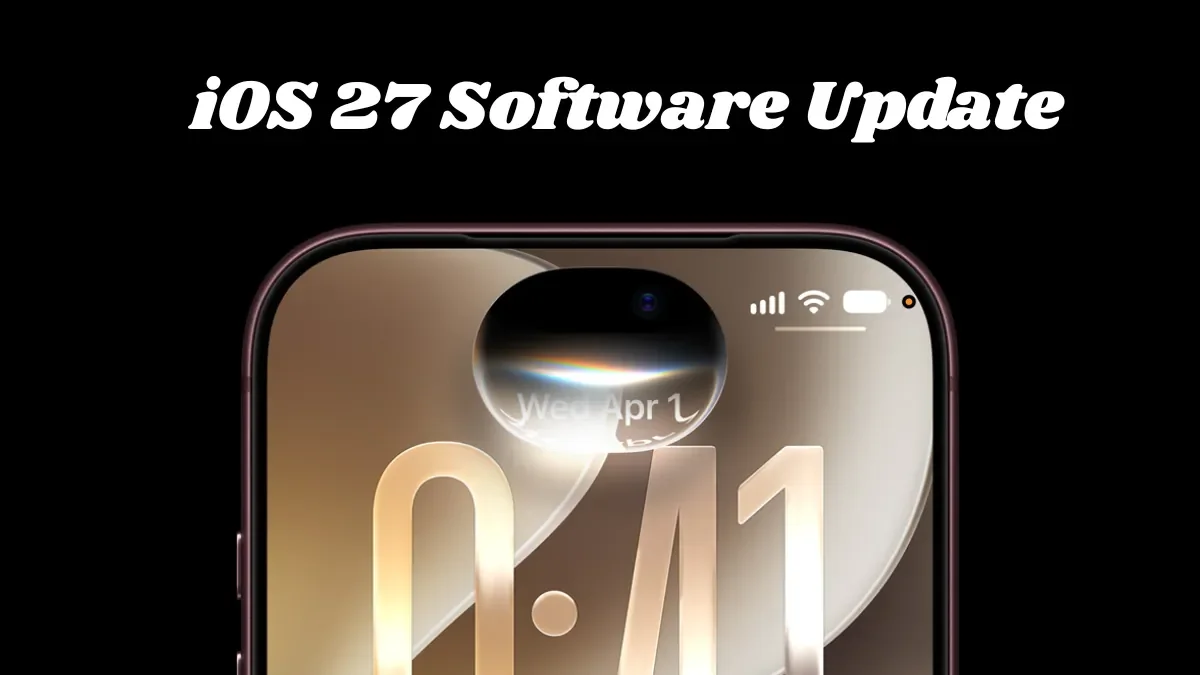
Apple is rolling out iOS 27 on September 14, 2026, bringing a major software update to compatible iPhones. The update focuses heavily on AI, including the redesigned Siri AI, while also adding Liquid Glass improvements, faster system performance, new privacy controls and other changes.
For users in India, the rollout is expected to become available around 10:30 PM IST, although the exact time at which the update appears can vary. Users can check for it under Settings > General > Software Update.
When does iOS 27 launch?
Apple has confirmed September 14 as the public release date for iOS 27. The update follows months of developer and public beta testing.
The rollout is available over the air, meaning users do not need to connect their iPhone to a computer to install it. Apple is also releasing its other major 2026 operating-system updates around the same time.
What are the biggest new features in iOS 27?
The biggest change is Siri AI, which gives Apple's voice assistant a more conversational and context-aware experience. It can understand information on the screen, use personal information stored on the iPhone and perform actions across supported apps.
Siri AI is initially launching in English and requires an iPhone 15 Pro or newer for Apple Intelligence features.
1. Siri AI gets a major upgrade
The new Siri is designed to handle more complicated requests instead of only performing simple commands such as setting alarms or checking the weather.
Apple is also introducing a dedicated Siri experience, while users can continue to activate the assistant using the iPhone's side button.
The feature is expected to become one of the most important reasons for upgrading to iOS 27, although its availability depends on the iPhone model and region.
2. More Apple Intelligence features
iOS 27 expands Apple's AI features beyond Siri.
The Photos app gets new AI-powered Extend and Reframe tools, while Image Playground can generate more realistic images. Apple is also adding the ability to create certain Shortcuts by describing what users want them to do.
These features make iOS 27 more focused on AI-assisted everyday tasks rather than treating AI as a separate application.
3. Liquid Glass gets more customization
Apple introduced the Liquid Glass design with iOS 26, and iOS 27 refines the visual system further.
Users get more control over the appearance of Liquid Glass, including a new slider that allows the interface to appear clearer or more tinted. Apple has also refined app icons and contrast.
4. iPhones should feel faster
Apple is also promising performance improvements across iOS 27.
According to Apple's figures reported by MacRumors, app launches can be up to 30% faster, Photos library loading can be up to 70% faster and AirDrop transfers can be up to 80% faster in supported scenarios.
These improvements could be particularly useful for people keeping older compatible iPhones rather than upgrading to the newest models.
5. iPhone Handoff
One of the more unusual additions is iPhone Handoff, which can allow the same phone number to work across two iPhones.
The feature depends on carrier support, so it will not automatically be available to every user. Carrier availability and pricing can also differ by market.
6. Find My gets more flexible location controls
iOS 27 adds more control over location sharing in Find My.
Users can set custom durations for location sharing instead of relying only on preset options. Apple is also adding an option to temporarily pause location sharing with specific people until the end of the day.
7. CarPlay gets video-related features
Compatible vehicles can support video experiences through CarPlay when the vehicle is parked.
The feature is designed for situations such as waiting in a parked car or while charging an EV. Video playback remains restricted while driving for safety reasons.
Which iPhones will get iOS 27?
iOS 27 supports the same broad generation of iPhones as iOS 26, starting with the iPhone 11 series.
| iPhone model | iOS 27 support |
|---|---|
| iPhone 18 Pro / Pro Max | Yes |
| iPhone Duo | Yes |
| iPhone 17 series | Yes |
| iPhone Air | Yes |
| iPhone 16 series | Yes |
| iPhone 15 series | Yes |
| iPhone 14 series | Yes |
| iPhone 13 series | Yes |
| iPhone 12 series | Yes |
| iPhone 11 series | Yes |
| iPhone SE (2nd generation and later) | Yes |
However, not every iPhone will receive every AI feature. Apple Intelligence and Siri AI require newer hardware, with iPhone 15 Pro and newer models supporting those features.
How to download iOS 27 on your iPhone
If your iPhone is compatible, updating is straightforward.
- Open Settings.
- Tap General.
- Select Software Update.
- Wait for iOS 27 to appear.
- Tap Download and Install.
- Enter your passcode if requested.
- Keep the iPhone connected to power while the installation completes.
If iOS 27 does not immediately appear, there is no need to panic. Major software releases can take time to become visible to every device, and users can check again later.
What should you do before installing iOS 27?
Before starting a major operating-system update, it is sensible to back up important data and make sure the iPhone has enough free storage.
Connect to a reliable Wi-Fi network and keep the battery sufficiently charged or connect the phone to power. If you depend on your iPhone for work or travel, waiting until the initial rollout settles can also be a reasonable option.
Is iOS 27 worth installing?
For compatible users, iOS 27 is more than a cosmetic update. Siri AI, expanded Apple Intelligence features, performance improvements and additional privacy and customization controls make it one of Apple's more substantial yearly iPhone software releases.
The biggest difference will depend on the iPhone you own. Newer models get access to more AI capabilities, while older compatible devices still receive the core operating-system improvements.
What does iOS 27 mean for older iPhones?
The fact that the iPhone 11 series remains compatible is significant because users do not necessarily need a new iPhone to receive the basic iOS 27 experience.
However, compatibility and feature parity are different things. Older devices can receive the operating system while missing hardware-dependent Apple Intelligence capabilities.
iOS 27: Quick answers
When does iOS 27 release?
Apple is rolling out iOS 27 on September 14, 2026.
What time will iOS 27 arrive in India?
The rollout is expected around 10:30 PM IST, although the exact availability can vary.
Which iPhones support iOS 27?
The update supports the iPhone 11 series and newer, including the second-generation iPhone SE and later.
Does every iPhone get Siri AI?
No. Siri AI and other Apple Intelligence features require compatible newer hardware, starting with the iPhone 15 Pro generation.
FAQ
Will iOS 27 be free?
Yes. iOS software updates are provided at no additional charge for compatible iPhones.
Can I update an iPhone 11 to iOS 27?
Yes, the iPhone 11 series is included among the compatible models.
Why can't I see iOS 27 yet?
The update may take time to appear on individual devices during the rollout. Check Settings > General > Software Update again later.
Should I back up my iPhone before updating?
Yes. Backing up important data before a major software update is a sensible precaution.