Artificial intelligence assistants are rapidly transitioning from conversational search engines into actionable, desktop-integrated agents. Instead of simply generating code, answering trivia, or drafting sample email templates, modern AI tools are increasingly handling real-world administrative tasks directly inside native operating systems.
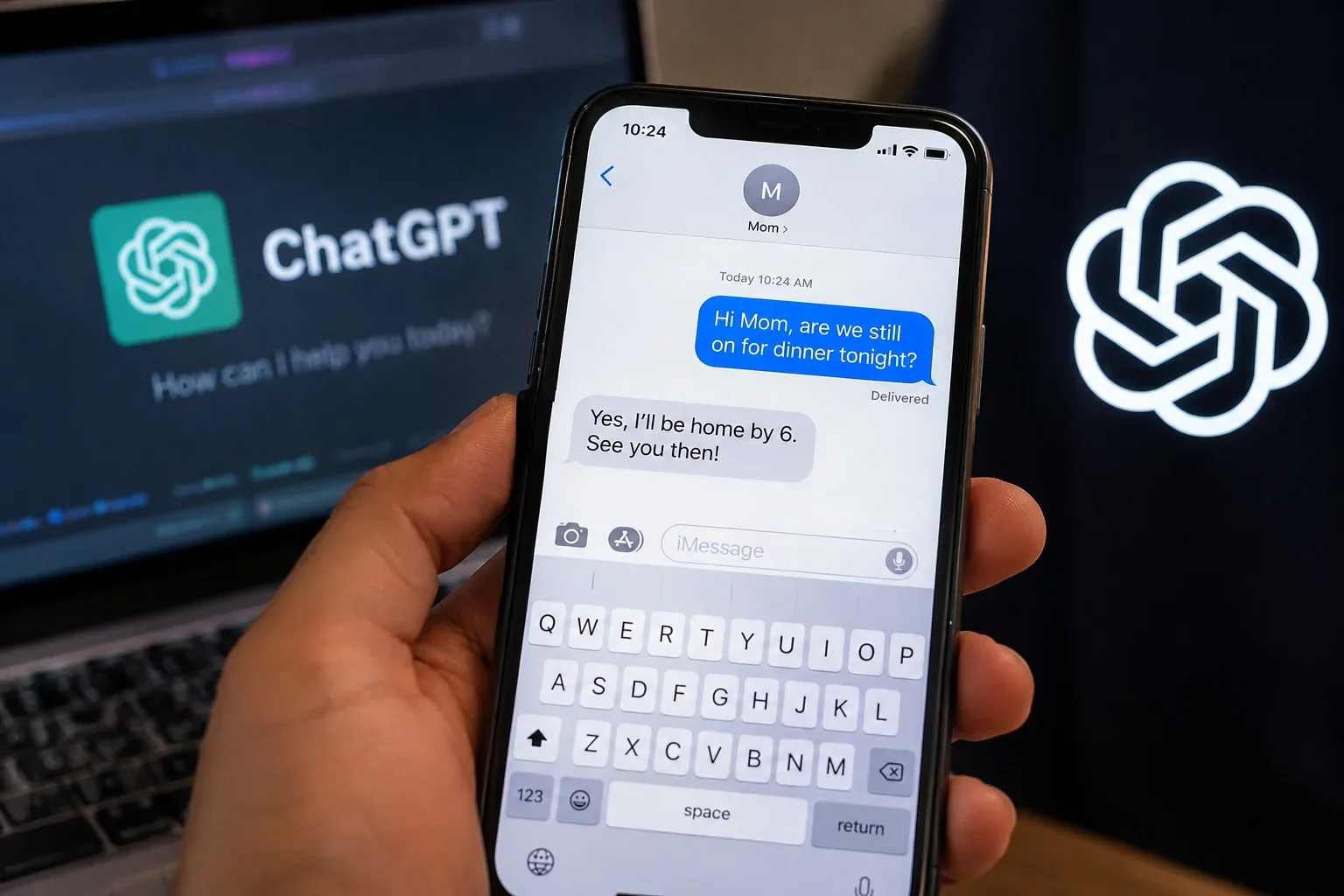
OpenAI has marked another significant step in this evolution by releasing an official ChatGPT Apple Messages plug-in for its macOS desktop client. The new feature allows the chatbot to tap directly into conversations stored within Apple’s native Messages app on supported Mac computers. With user consent, the AI can search conversation histories, synthesize long chat threads, prepare context-aware replies, and even dispatch text messages on your behalf.
Here is an in-depth look at what the new integration does, how it works, hardware compatibility, and essential security practices you should follow before turning it on.
What Is the New ChatGPT Apple Messages Plug-in?
The ChatGPT Apple Messages plug-in is an automation connector built into the ChatGPT desktop application for macOS. Rather than operating as a cloud-based web connector, it acts as an on-device bridge that interacts directly with Apple’s local messaging client.
Through this integration, ChatGPT gains native-level access to:
- iMessage Conversations: Read past threads and send new blue-bubble chats.
- SMS & RCS Messages: Access traditional carrier texts and newer RCS chats synced across your Apple ecosystem.
- Message Search & Retrieval: Locate specific information, dates, addresses, or links tucked away in old chats.
- Conversation Analysis: Summarize massive back-and-forth group discussions or missed messages.
- Drafting & Dispatching: Prepare contextual replies and send messages directly through the Apple Messages application.
Unlike standard, day-to-day ChatGPT chat sessions, this plugin is tailored specifically for OpenAI's agentic productivity surfaces: ChatGPT Work and Codex. These environments are built to execute long-running tasks, coordinate system tools, and carry out direct OS-level automation.
What Can ChatGPT Do With Your Messages?
Having an AI connected to your messaging client unlocks a wide variety of workflow shortcuts. Here are some of the most practical use cases enabled by the plugin:
- Hunting Down Buried Details: Instead of manually scrolling through months of chat logs, you can ask ChatGPT, "Find the gate access code Sarah sent me last month" or "What dinner reservation time did Mark confirm last week?"
- Summarizing Long Group Chats: When you return to hundreds of unread messages in a family or project group, the AI can generate a concise, bulleted summary of key decisions, plans, and unresolved questions.
- Drafting Contextual Replies: You can prompt the model to review a client's last three messages and draft a polite, professional confirmation that addresses all their questions.
- Cross-Referencing Schedules: When combined with your calendar, ChatGPT can check your availability, draft a message suggesting open time slots, and queue it up to send to a friend or coworker.
- Streamlining Quick Follow-Ups: Users can command the assistant to follow up on pending discussions, such as sending a reminder text to a contractor or confirming meeting attendance.
Can ChatGPT Send Text Messages for You?
ChatGPT can send texts directly through Apple Messages, but it does not have carte blanche to message your contacts secretly in the background.
OpenAI built the integration with a strict per-send approval design enabled by default. Whenever ChatGPT prepares to send a text, the desktop app displays an explicit confirmation prompt displaying the message body and the exact recipient list. The user must review and click "Allow once" before the message is actually transmitted.
While users can technically configure settings to "Always allow sending" for specific chats, security researchers and OpenAI’s own technical documentation strongly advise against persistent approvals. Because incoming messages represent untrusted external text, an unrestricted AI with persistent send rights could be vulnerable to prompt injection or social engineering attacks. Keeping the per-send approval active ensures you remain in complete control of every outgoing text.
Which Devices Support the Apple Messages Plug-in?
The ChatGPT macOS update comes with strict hardware parameters.
- Supported: Apple Silicon Macs (M1, M2, M3, M4, and their Pro/Max/Ultra variants) running the native arm64 desktop app.
- Not Supported: Legacy Intel-based Mac models, web browsers, mobile apps (iOS/Android), and standalone IDE plugins.
The feature relies on local macOS automation hooks, including AppleScript and Accessibility services, which are optimized specifically for the Apple Silicon desktop client architecture.
How to Use the ChatGPT Apple Messages Plug-in
Setting up the integration takes just a few steps:
- Update the App: Ensure you have the latest ChatGPT desktop app installed on your Apple Silicon Mac.
- Access the Plugins Directory: Open the ChatGPT app, navigate to the Plugins section, and locate the Apple Messages plugin.
- Install and Authorize: Click install and follow the system prompts. You will need to grant macOS permissions, including Automation, Contacts, and Full Disk Access in System Settings > Privacy & Security so ChatGPT can communicate with the Messages database.
- Launch Work or Codex: Open a new ChatGPT Work or Codex session (the plugin is designed for these agentic modes rather than standard chats).
- Issue Your Command: Ask ChatGPT to search a thread, summarize recent messages, or draft a text.
- Review and Confirm: Carefully examine the drafted message and recipient details before approving the dispatch action.
Privacy and Security Concerns
Connecting any third-party artificial intelligence assistant to personal communication channels warrants careful consideration. Text messages frequently contain sensitive data, ranging from two-factor authentication codes and financial discussions to confidential medical or family updates.
What You Should Keep in Mind
- Explicit Permission Required: The plugin does not activate silently; it requires manual installation and administrative macOS permissions.
- Local Automation vs. Cloud Indexing: OpenAI reports that the tool does not build a permanent cloud index of your entire messaging archive; it executes searches locally on the machine via system automation.
- Data Transmission During Active Tasks: When you prompt the model to analyze a specific message thread, the contents of that thread are processed in the active session to generate an answer.
- Separation From Apple Intelligence: This feature is independent of Apple’s built-in Siri-to-ChatGPT extension, which uses Apple’s native privacy architecture.
Before enabling the plugin, users should evaluate whether their work or personal machines handle highly regulated or confidential communication that should remain isolated from automated tools.
Why This ChatGPT Update Matters
The arrival of the Apple Messages plugin highlights a broader shift toward action-oriented AI text messaging and autonomous desktop agents. For developers, managers, and busy professionals handling large volumes of incoming communication, an AI that can synthesize conversations and draft rapid responses saves meaningful time.
By integrating directly with core desktop tools, OpenAI is proving that modern AI assistants will not live in isolated browser tabs—they will actively help navigate the applications we rely on every day.
Final Thoughts
The new Apple Messages plugin for ChatGPT bridges the gap between passive conversational intelligence and hands-on operating system utility. It provides a fast, intuitive way to search communication records, summarize tangled message threads, and draft outbound replies.
However, the convenience of having an AI draft your messages makes vigilant oversight essential. Keeping per-send approvals active, verifying recipient fields, and reviewing message previews before hitting send will ensure you enjoy the productivity boost without sacrificing privacy or precision.
Read More: ChatGPT Gets a Major Google Drive Upgrade: Edit Files Without Switching Apps
Frequently Asked Questions (FAQs)
What is the ChatGPT Apple Messages plug-in?
It is an official desktop integration for macOS that allows ChatGPT to read, search, analyze, draft, and send iMessage, SMS, and RCS messages directly through Apple's Messages app.
Can ChatGPT send text messages for me?
Yes. ChatGPT can draft and send texts through the Messages app, but it requires explicit user review and approval for each message and recipient by default.
Does the Apple Messages plug-in work on all Macs?
No. The plugin is exclusively available on Apple Silicon Macs (M-series chips) running the native macOS ChatGPT desktop app. Intel-based Macs and mobile versions are not supported.
Can ChatGPT read my old messages?
Yes. Once you install the plugin and grant the required macOS disk and automation permissions, ChatGPT can search and read conversation histories to answer specific queries or summarize discussions within supported Work and Codex sessions.
Is the ChatGPT Apple Messages plug-in safe to use?
It is safe when used with recommended security habits. OpenAI includes per-send approval by default to prevent unintended actions. Users should avoid enabling persistent "always send" permissions and review every AI-generated message prior to dispatch.